


Find any tool in seconds
Type what you need, like "compress" or "jpg to pdf", and the right tool is right there. No hunting through menus.
Pull the text out of a .pptx deck, or turn your notes into slides. Everything runs in your browser, so nothing is uploaded to a server.
Type what you need, like "compress" or "jpg to pdf", and the right tool is right there. No hunting through menus.
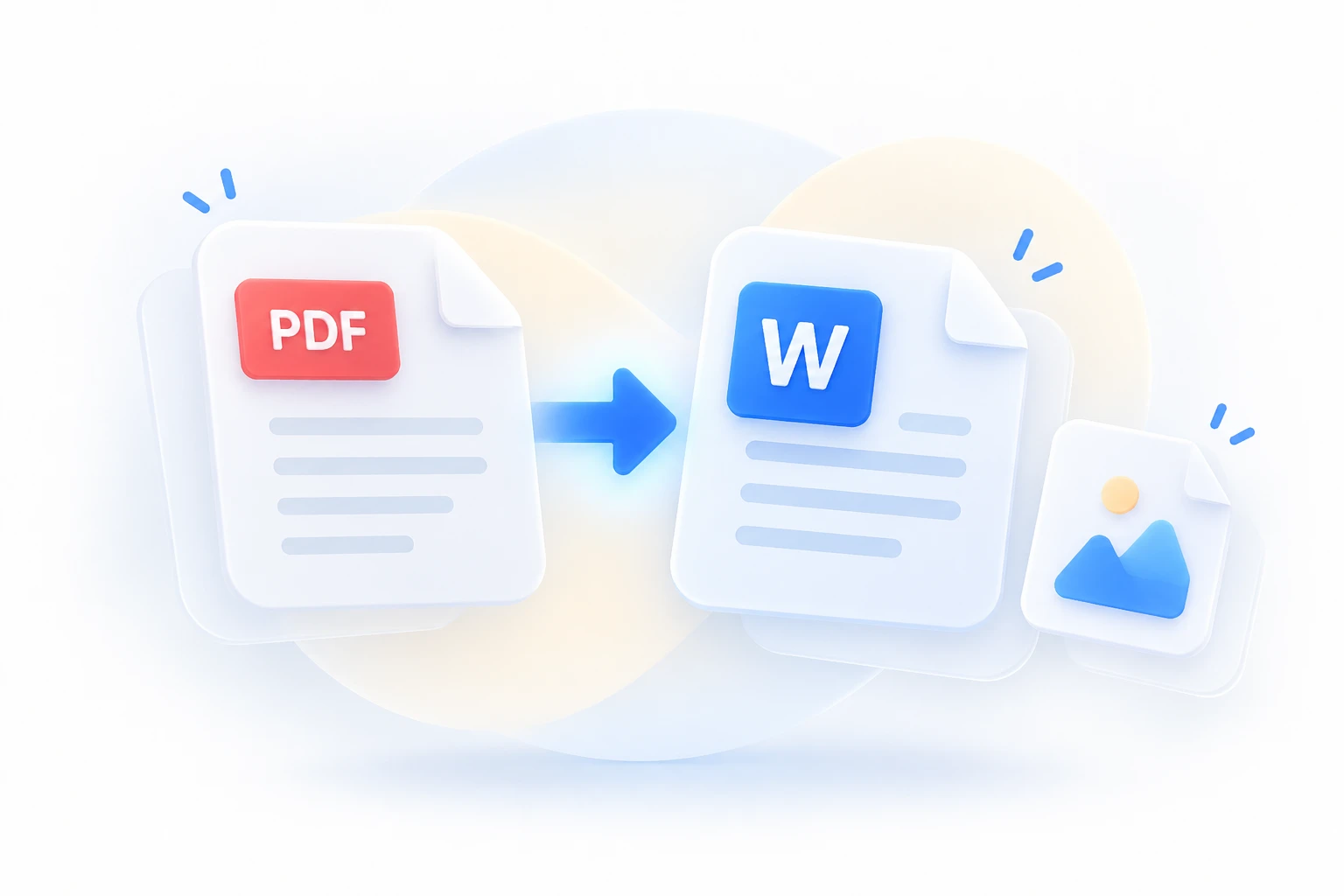
Turn PDFs into Word, Excel, PowerPoint or images, and back again. Each tool says up front what carries over and what doesn't.

Every file is processed in your own browser. Nothing is uploaded, so nobody else sees what you work on.
Choose or drop a PowerPoint .pptx file.
Nothing to set. It starts as soon as the file is added.
Each slide's text sits under a "--- Slide 1 ---" line. You can also copy it from the result page.
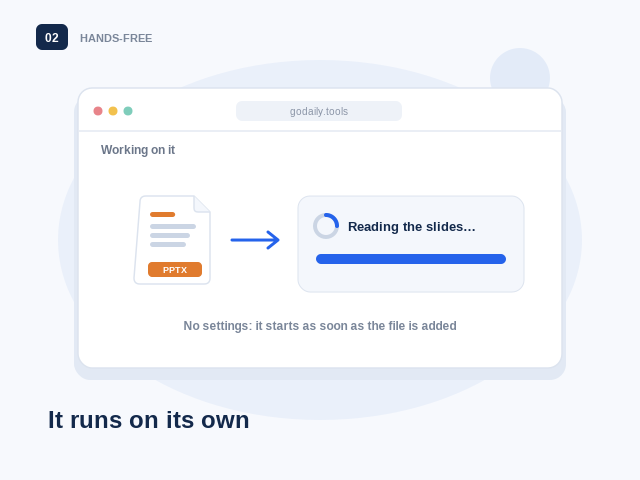

Open it and start. No limits.

Browser tools run on your device. Your files never leave it.
Clean results, every time.
No. Every tool runs locally in your browser, your files never leave your device.
Yes. You create an account to use the tools, and your files still never leave your device.
PDF; JPG, PNG, WebP and iPhone HEIC images; Word .docx; Excel .xlsx, .xls and CSV; PowerPoint .pptx; plus text and everyday utility tools. The older .doc and .ppt formats are not supported. Each tool page lists exactly what it accepts.
Yes. Since nothing is uploaded, no one else, including us, ever sees your files.
Every tool is with no watermark. Single files have no limit, and Starter bulk batches take up to 3 files. Pro and Plus are optional paid plans with unlimited documents and bulk processing, and higher API and AI connector limits.